LogApp is a Flask WebApp which has been in development since 2019.
I had previously been using a logbook app with a “Lifetime” licence (yes, that’s what the licence email said!) but after less than two years I had lost access to the application as they changed product name and switched to a monthly licencing model.
My aim was to build a web-application for logging flights, giving space for custom data such as approach type flown, passenger numbers and other extra data for later use. A big design choice was to allow data exports to CSV or Excel sheet for import into other applications in future if the need arose.
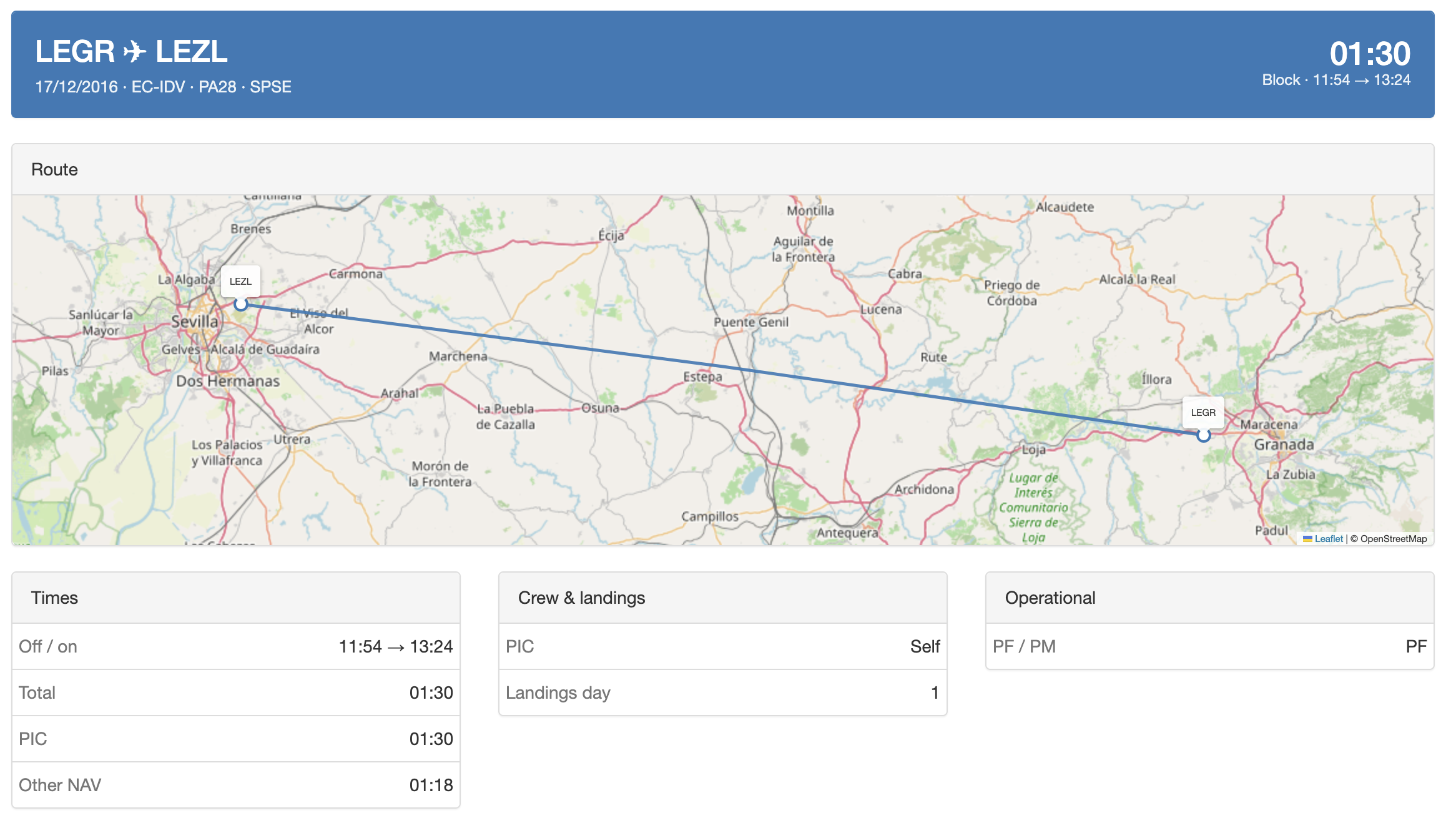
Latest version - viewing a log entry from 2016
Design considerations Link to heading
I settled on creating a Flask site as I had been reading the Flask Web Development book by Miguel Grinberg at the time - a recommended read if you want to learn the basics from the master.
A Flask site would allow me to use a MySQL database in the backend, providing easy data exports in future.
I was aware at the time that I wouldn’t be in the position to spend the time to develop a native iOS app for offline logging in-flight, but I decided it was worth it to continue and I could log flights in retrospect.
Ongoing use Link to heading
The site was basic to use, but it was reliable and filled the requirements well. The site was served from a Docker container, available only via VPN with an internet connection.
I was able to:
- Log flights,
- See stats for specified timeframes, such as 45d or 90d recency,
- Keep track of my own development, for example approach types or completing PICUS duties.
Recent developments Link to heading
A significant number of new features have been added recently, with the help of AI coding:
- Simulator logging,
- Recency and limits, ensuring FTL compliance,
- Reminders, such as annual line checks, medical dates, ID badge expiry,
- EASA compliant logbook export in PDF format,
- Crew “CRM” module, tracking flights together and a notes function,
- Statistics page with graphs for trends, career totals, etc,
- Automated day/night time and landings logging, using NOAA solar-position algorithm to get the sun’s elevation at a point/time,
- Web based access to the app behind Authelia for EFB access on the road,
- Responsive mobile views,
- Automatic day/night mode,
- Backup and restore function.
These improvements are more than just visual improvements - they save time, make logs more accurate (e.g. night time and landings), and give me more live info on recency and FTLs.
Stats graphs Link to heading
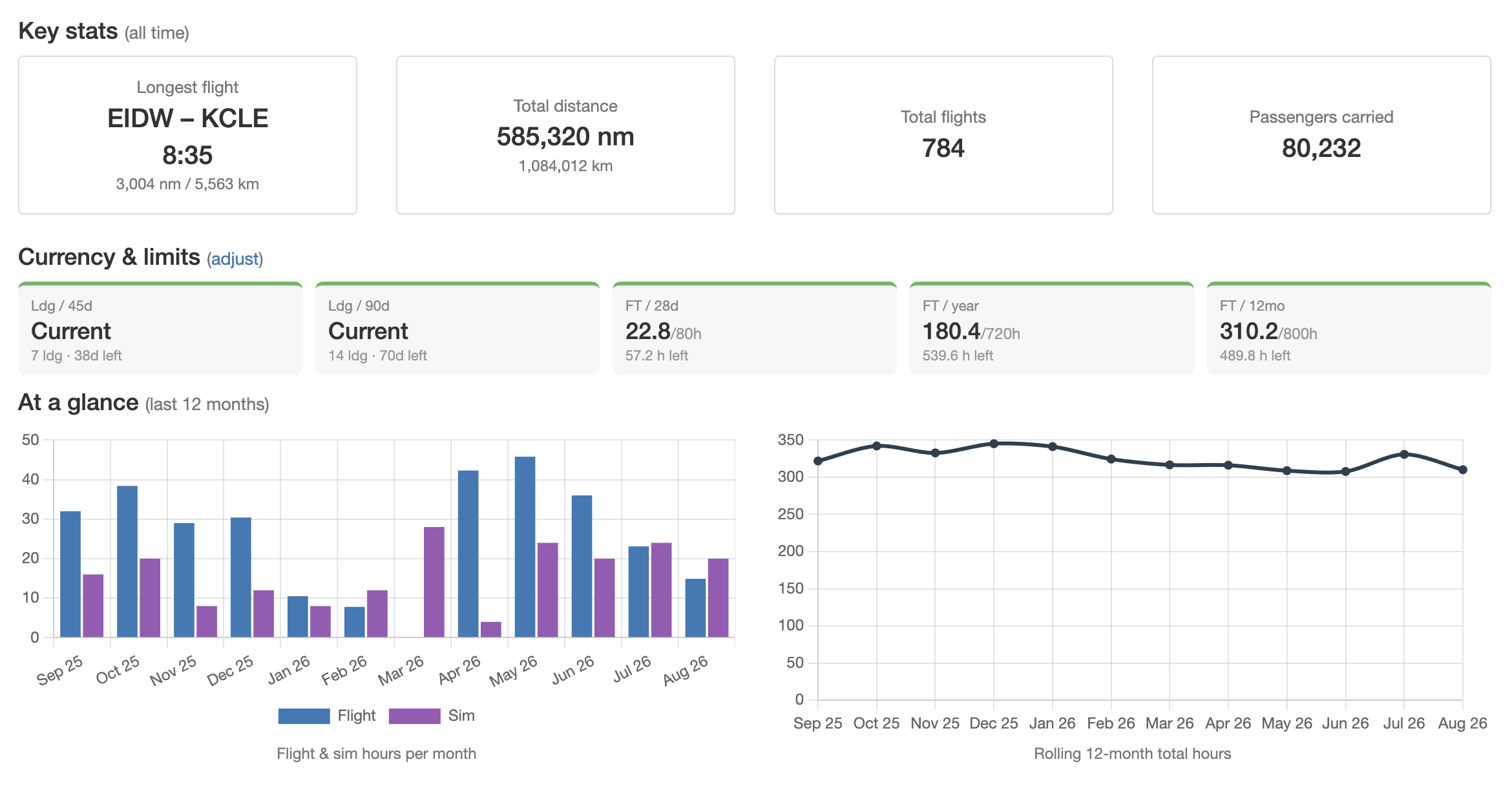
Example statistics overview
The logbook provides rich graphics, such as a Github style “commit” heatmap and a flight map.
These graphics are updated every 3 hours by cron, updated to a Cloudflare R2 bucket to be served on this static site.