CARTO now require an API key to utilise their basemaps. We use these maps for some low traffic internal dashboards.
Getting an API key Link to heading
Super simple - go to the CARTO API key site and request one.
I included my use-case was commercial and included the descriptions. A free key was emailed over shortly after.
A free key allows for 5 million tile requests in a calendar month, so should be more than sufficient for small projects.
Grafana configuration Link to heading
This assume you have a working Geomap which is now displaying the API key error.
- Open your Grafana Geomap configuration,
- Scroll to
Layer typeand change it to ArcGIS MapServer, - In
Server Instance, scroll to Custom MapServer, - In the URL box, enter
https://basemaps.cartocdn.com/rastertiles/light_all/{z}/{x}/{y}.png?key=, appending your API key to the end, - Replace
light_allwithdark_allfor the dark mode maps.
Remember to include the attribution, this is a requirement for free usage and is a fair exchange.
Map view Link to heading
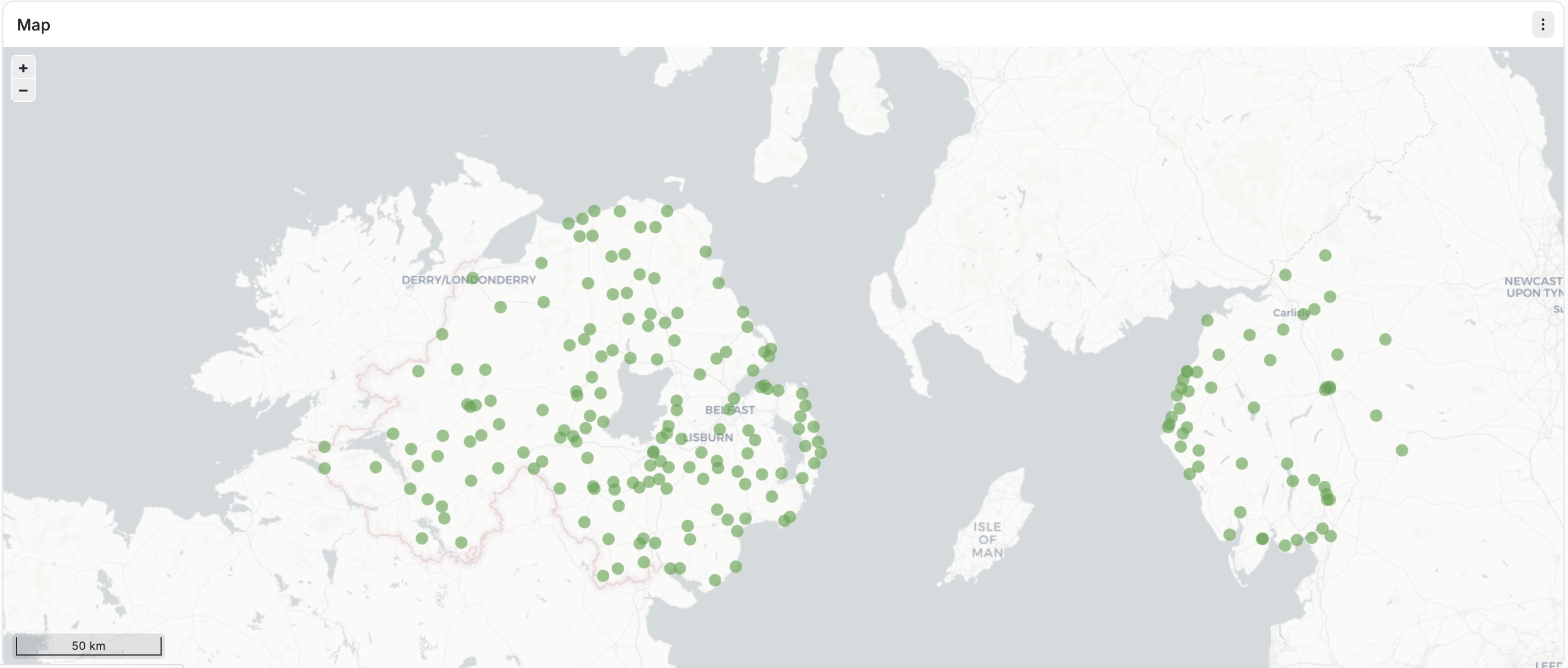
Grafana Geomap with CARTO API installed